



- Log in to Share My Lesson.
- Click Browse+ in the top navigation menu. In the dropdown menu, select Communities from the far-right column.
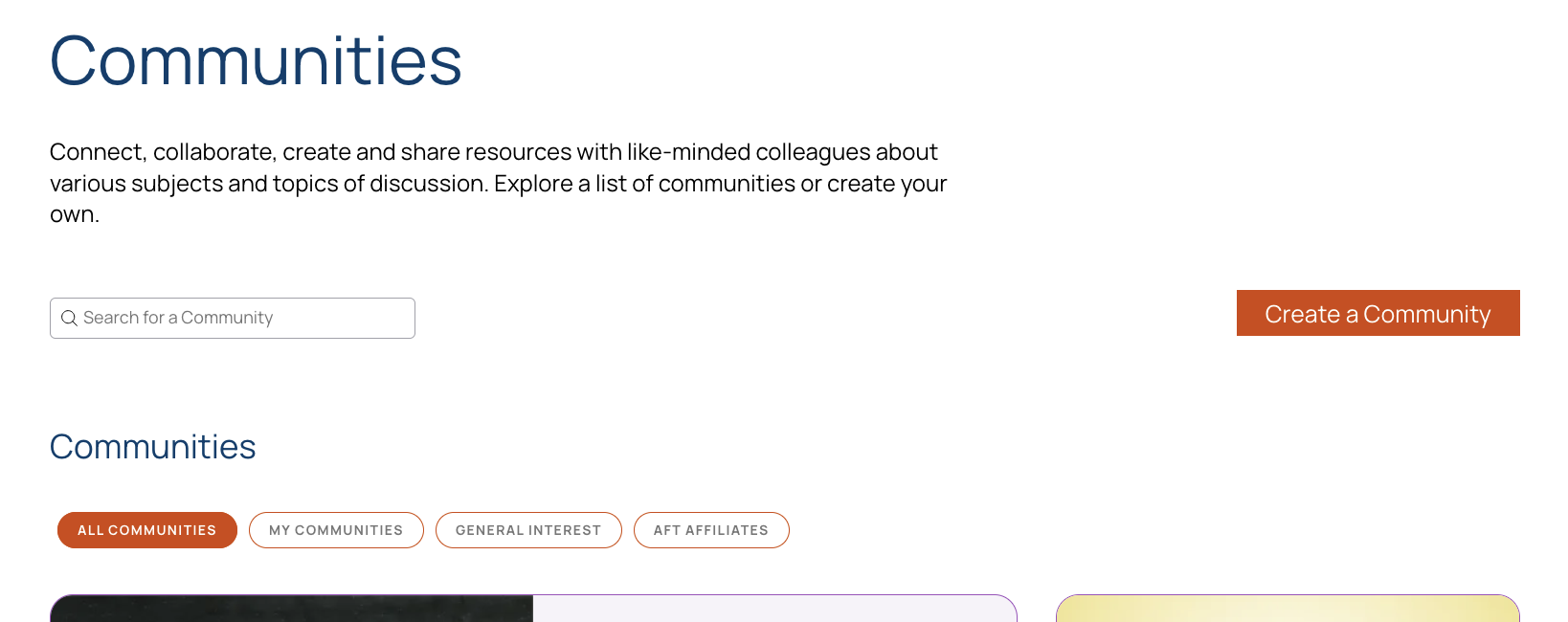
- Browse the All Communities, General Interest, or AFT Affiliates categories.
- To find a specific community, enter its name or a related keyword in the Search for a Community field.
- Once you find the community you want to join, click its tile to open the community page.
- Click the orange Join button in the light-orange header.
- In the Request to Join pop-up, briefly explain why you would like to join the community.
- Click Done to submit your request.